

Email Archiving
How do you verify an email archive migration before retiring the old system?
The old archive contains 14 copies of a supplier’s quotation. The new archive returns one. Has the migration lost 13 records, or has it correctly stored one message sent to 14 people? The answer matters when a buyer has to approve the work and a colleague later needs to establish who received the quote. Before signing off a historical email import, agree what the import counts, reconcile each batch and ask an authorised user to find a known message with its attachment. Those three checks answer different questions. Here is how to run them together.
Start with a question someone actually asks the archive
Ask a colleague who uses the archive to describe the last search that mattered. A procurement manager might remember a supplier, a month and the name of a spreadsheet, but have no idea which buyer handled the order. Translate that recollection into a test. In the old archive, have an authorised reviewer find the original quotation and the revised one. Record enough information to tell the two apart, including the sender address, original date, attachment name and a distinguishing detail in the approved version.
Give a second reviewer the business question without telling them the answer. Can they reproduce the result in the old system? If two reviewers disagree about what counts as the approved quotation, resolve that first. A migration team cannot use an ambiguous example to decide whether the new archive works. Keep the actual messages in the authorised archive or evidence store. A project spreadsheet can refer to a case number and record the outcome without becoming another collection of sensitive correspondence.
Agree what counts before anyone starts comparing totals
An exported file, a mailbox copy and a distinct message are three different units. Ask the outgoing supplier what its export report counts. Then ask the receiving supplier where in the process it identifies duplicates, which items it excludes and what information it preserves about recipients. If the source counts a copy per mailbox and the destination counts a message once, both reports can be accurate while displaying different totals.
Spambrella describes duplicate handling and exclusions for its managed historical transfer option. For example, its migration page identifies junk and anti-virus folders as exclusions. Ask which rules apply to the particular import route in your quotation and whether an exception report is available. Get those answers before the old provider closes the export window. They belong in the acceptance criteria alongside the agreed dates, mailboxes and source formats. See Spambrella’s historical archive migration options.
Reconcile the pilot one batch at a time
Choose a pilot that spans the changes your organisation has actually made. For a company that acquired a smaller firm, a mailbox using the acquired domain may be more revealing than ten current accounts. Include a closed mailbox if the transfer covers leavers, a message addressed to several people and at least one attachment whose contents an authorised reviewer can recognise. List any important cases the pilot leaves out. A successful import of recent messages says little about an old format nobody tested.
Consider a worked example. A pilot export lists 1,000 source items. The supplier accounts for 930 accepted items, 50 duplicate copies and 15 agreed exclusions. Five remain unexplained. Report those five as open exceptions. Before doing the subtraction, confirm that each source item falls into only one category, that all figures cover the same batch, and that the supplier has finished processing it. Otherwise the arithmetic is tidy and the conclusion is wrong.
Investigate the five by identifier. Two might belong to a file that was still awaiting processing when the report was generated. Three might have failed to open at source. Those are different jobs for different owners. Record how each case was resolved, which items need a fresh export and who authorised any exclusion. Keep the original report alongside the corrected one so that someone outside the project can follow why the total changed.
Check the original date, attachment and audience
Return to the supplier quotation. Search in the destination using the original business dates and the supplier’s address. Open the matching message, compare its date and recipients with the source, then open the attachment and identify the approved version. An identically named file attached to an earlier reply is an easy mistake to miss. Repeat with a search window that ends close to midnight if the business crosses time zones. Record which time zone each interface displays before classifying a difference as an import error.
The National Archives’ guidance on migrating information between records systems describes how a record’s context contributes to its usefulness. For email, a practical example is a reply that says only “Agreed”. A reviewer may need the preceding offer, the sender and recipient details, and the attached terms to explain what anyone agreed to. Write down which parts your test recovered and which had to be found elsewhere.
Run the same search from two authorised test accounts
An administrator who finds the quotation proves that one person can retrieve it. The project also needs to know who else can see it. Spambrella’s guide to archive users describes the ordinary user’s ability to search messages they sent or received. Use approved test correspondence to check the intended boundary. Give one participant a message and leave the second participant off its recipient list. Record the expected result for each account before either person searches.
Repeat the check for an address that changed name, where that scenario is in scope. Ask the customer to identify who should have access to historical mail for that address today. A familiar display name is a poor substitute for an agreed owner. If access is wider than intended, restrict the affected pilot access and investigate the mapping before widening the rollout. If access is too narrow, capture the missing relationship rather than granting everyone a broader role to get the exercise over the line.
Test the export you will give the reviewer
A search result on screen is only half the job if the customer needs to hand a record to an investigator. Have the authorised reviewer export one agreed test message, open it with the software the recipient normally uses and locate the attachment. Note whether the export preserves the details that distinguish the approved quotation from the draft. If the reviewer needs a separate viewer or a second file to read it, include that in the handover instructions and repeat the check on a clean workstation.
Make the handover usable after the supplier leaves
Give the business owner a short record for each batch: the source period, counting unit, accepted items, explained differences, open exceptions and the results of the retrieval and access tests. Agree who can accept each unresolved issue. An administrator can explain a failed import. The person responsible for the records is better placed to judge the business consequence of a missing signed quotation. Keep the legacy access decision separate from technical completion so the team can investigate anything still outstanding.
For an MSP managing several customers, keep an individual acceptance record for each. A clean pilot for one customer cannot answer whether another customer’s historical aliases were mapped correctly. The strongest handover is one a colleague can repeat: give them the approved search question, let them find the evidence, and ask them to explain any gap from the batch report. When discussing Spambrella Email Archiving and eDiscovery, bring that example to the conversation. It shows exactly what the customer needs to be able to retrieve on the day the old archive is switched off.
Further Reading

Migrate Historical Archives

Will migrating email archives affect ongoing operations?

Email Archiving & eDiscovery
Get Started with Spambrella
Protect your business email with enterprise-class filtering, continuity, and archiving.

Latest Blog Posts
Spambrella joins Anthropic’s Cyber Verification Program
Spambrella has been accepted into Anthropic’s Cyber Verification Program, which lets vetted security organisations use Claude for defensive work its cyber safeguards block by default.
A supplier says their bank details have changed. How do we check before the payment run?
A supplier emails new bank details days before your payment run. Here is how to spot payment-redirection fraud, which email security controls help, and the checks finance should…
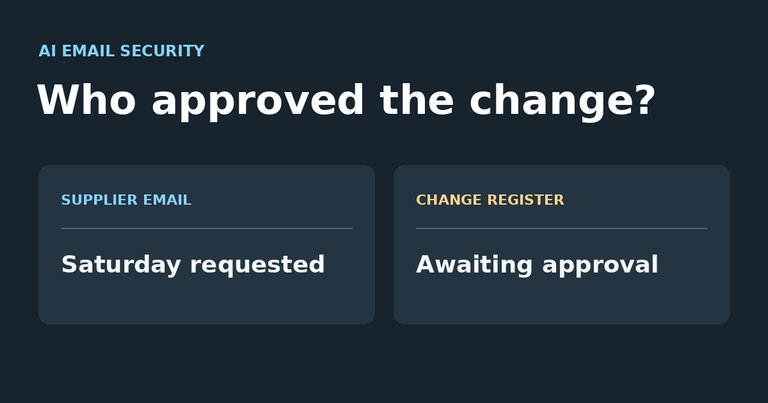
What is prompt injection, and can we build defences?
An IT manager asks an AI assistant to summarise a supplier’s email before a change meeting. The summary says the supplier has approval to go ahead. The manager…
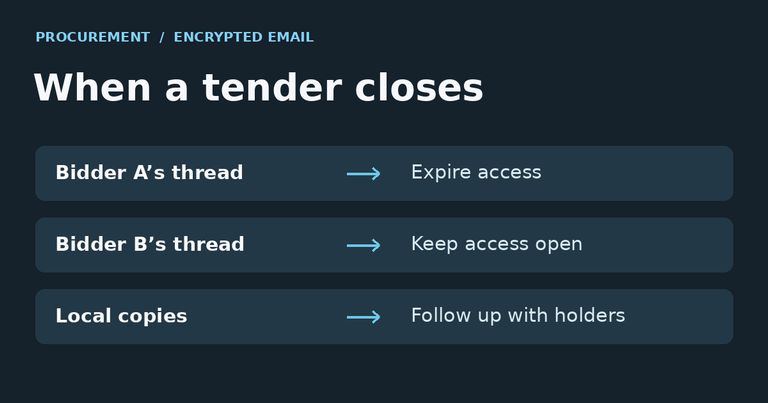
Can we withdraw a bidder’s access to an encrypted tender email?
At ten on Monday morning your surveyor tells you that a different contractor has won the job. The unsuccessful bidder already has an encrypted email with the site…
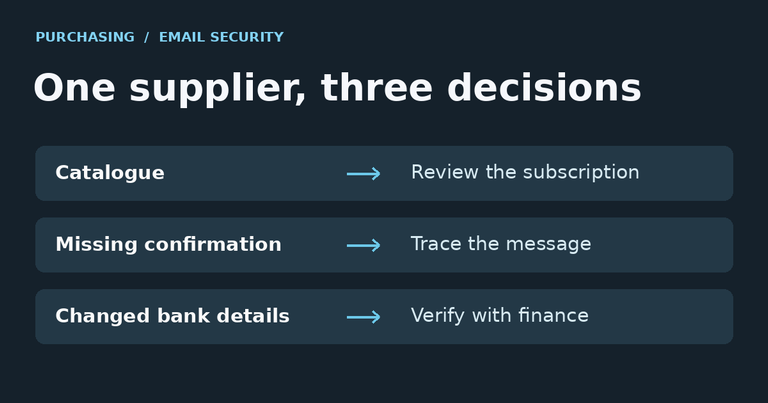
How can we keep newsletters out of a shared inbox without missing supplier orders?
A supplier sends its winter catalogue and your order confirmation to the same purchasing inbox. The catalogue can wait until Friday. The confirmation gives you until noon to…

How can you test email continuity without disrupting customer mail?
At 09:10 on a Monday, a customer rings to move a delivery from the morning to the afternoon. Your dispatcher says they never received the email. Outlook is…
UK phishing detections climb as familiar senders test email defences
A finance team asks IT to let a supplier’s signing requests through after a contract gets stuck in quarantine. Months later, who remembers why the exception exists? Two…

After Securence: How to check your email migration
If you rely on Securence for email filtering, hosted Exchange, or continuity services, it’s time to start planning your exit. Securence’s parent company, US Internet (USI), has confirmed…
Get a quote…